
Troubleshooting WE999 Game Account Creation Error Due to IP Address
If you’re trying to create an account on WE999 Game and facing an error related to your IP address, don’t worry! This issue can happen for various reasons, but it’s easy to fix.
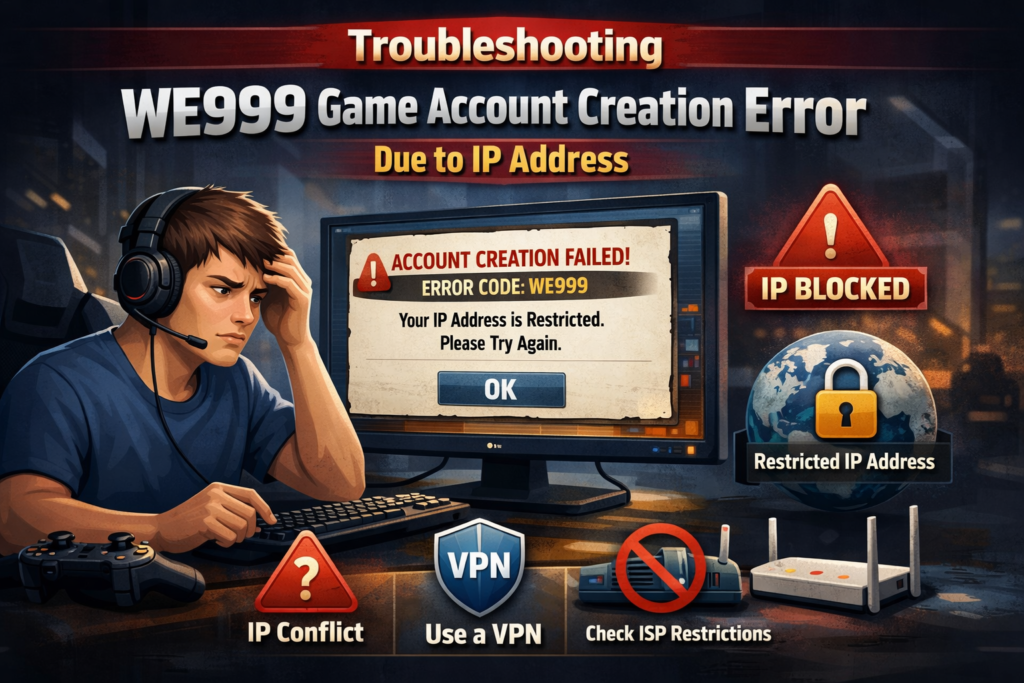
Why Does the “IP Address” Error Occur?
When trying to create an account on WE999 APK, an error related to your IP address may appear for several reasons. Here are some common causes:
- IP Address Already Used:
If someone has already used your current IP address to register on WE999, the system might block any new account creation attempts from that IP. - Geo-Blocking:
Some regions may be restricted from creating accounts, either due to legal restrictions or the game’s regional policies. - VPN or Proxy Usage:
If you’re using a VPN or proxy, it may show a different IP address to the system, which could cause a mismatch or error. - Dynamic IP Address:
Some internet providers assign dynamic IP addresses, meaning the address changes every time you connect to the internet. This might cause issues if your IP was flagged earlier.
How to Fix the IP Address Issue When Creating a WE999 Game Account
If you’re facing the IP address error during account creation, follow these steps to fix it:
1. Check for VPN or Proxy
If you’re using a VPN or proxy server, disable it and try again. WE999 Game may block sign-up attempts from certain VPN or proxy IP addresses.
- Tip: Disable VPN or proxy and use your original IP address to sign up.
2. Reset Your Router
If your internet provider gives you a dynamic IP address, simply restarting your router will assign you a new IP.
- How to do it:
- Turn off your router
- Wait for 30 seconds
- Turn it back on and reconnect to the internet
- Try creating the account again
3. Use a Different Device or Network
If resetting your router doesn’t help, you can try using a different device or network (such as a mobile data connection). This will assign a different IP address and allow you to create an account.
- Tip: If you’re using mobile data, ensure you have a strong signal and enough data for the registration process.
4. Contact WE999 Support
If the issue persists, the best option is to contact WE999 Game support. The customer service team can help identify if there’s any block on your IP or if there’s an issue with your region.
- How to contact support:
- Visit the WE999 Game support page
- Look for live chat, email support, or FAQ options
- Provide them with your issue details, including the error message
5. Try Using a Different Internet Connection
If none of the above works, consider trying another internet connection. For example, you can try public Wi-Fi (like at a café or library) or use mobile hotspot.
6. Check for Geo-Blocking or Restrictions
In some cases, geo-blocking may prevent users from certain regions from creating accounts. If you’re in a restricted area, WE999 Game might block sign-ups from specific IP addresses.
- What to do:
- If you’re in a restricted region, you can reach out to customer support for assistance.
- They may help you verify if your location is causing the issue.
Conclusion
Facing an IP address error while creating an account on WE999 Game can be frustrating, but the good news is that there are easy ways to fix it. Whether it’s disabling a VPN, restarting your router, or reaching out to support, these steps will help you get back to enjoying your game.
If you continue to face issues or need further help, don’t hesitate to contact WE999 Game support for personalized assistance.